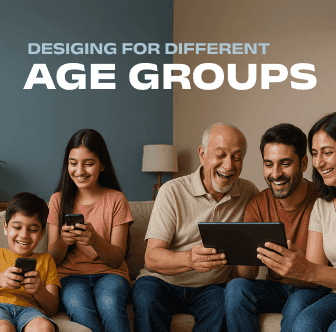
Knowing how user behaviour and expectations change when they age is important in successful age sensitive design. Icon based interfaces, good graphics, and easily understandable feedback are ideal for children. While adults want speed, simplicity, and mobile friendly aspects. Teenagers want social aspects, a few customisation options, and micro interactions. Ideal features for older individuals are progressive disclosure process, large touch target, and high contrast. You can gain more involvement and deliver enhanced experiences without making anyone feel like an alien by creating custom layouts, content, and interactions according to specific age group.
Understanding Age Related Design Needs
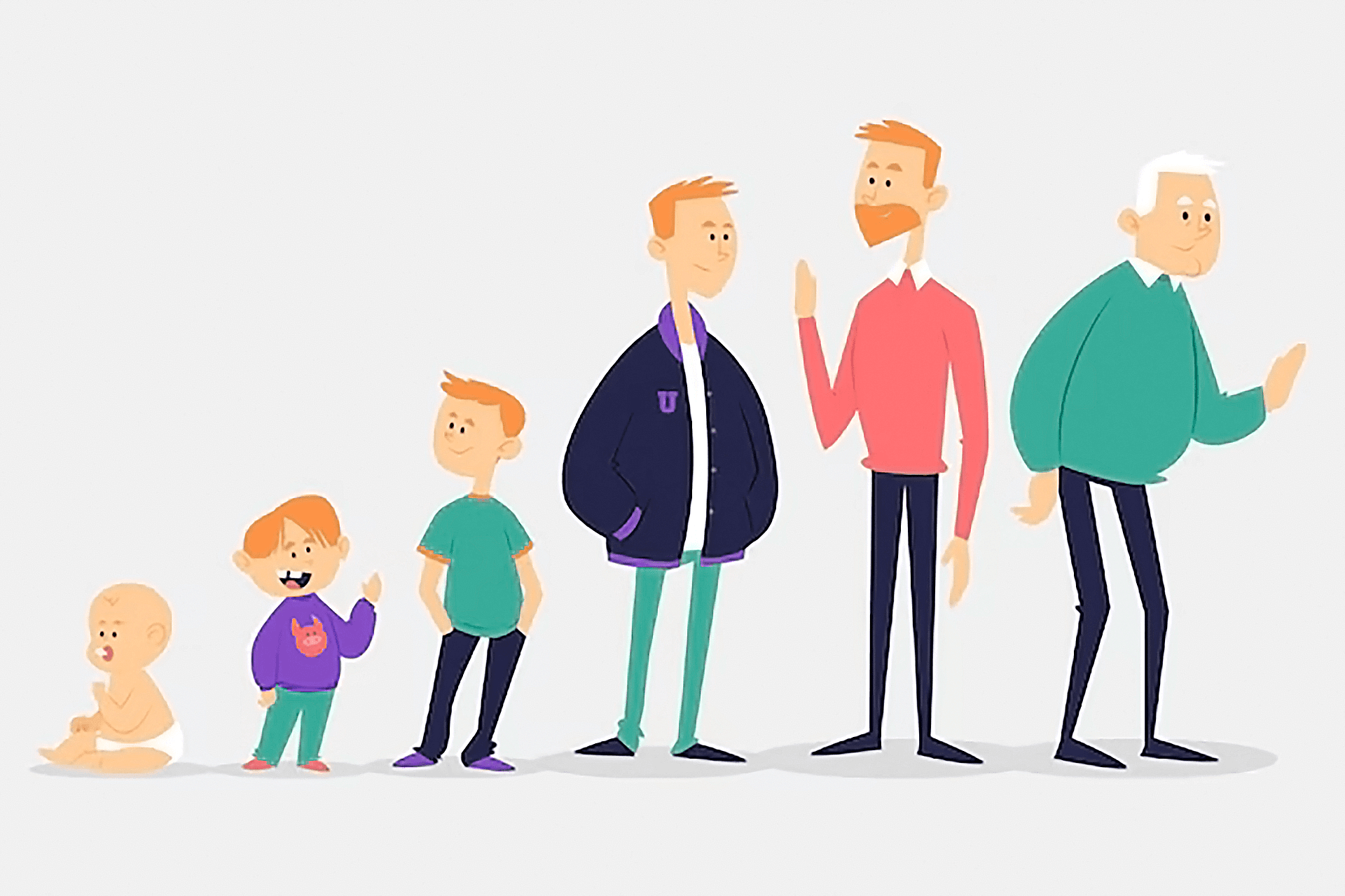
Knowledge about computers radically grow from childhood to old age. Being aware of these changes helps you to design interfaces that are effective and attarctive for all users.
Cognitive development influences reading skill, attention span, and memory.
Motor skills impact the accuracy of tapping, swiping, or clicking of a user.
Motivation and values (e.g., social interaction for teenagers, productivity for adults) affect feature prioritization.
Designing for Kids (Ages 3–12)
Simple, icon based navigation
Use large, recogniseable icons and little or less texts to help pre‑readers navigate easily.
Visual storytelling & gamification
Use vibrant illustrations and fun rewards (stickers, badges) to maintain interest.
Immediate, encouraging feedback
Reward actions with animation or sound to stick them to learning and discovery.
Limit choices per screen
Show no more than 3–4 choices at a time to avoid complication.

Designing for Teenagers (Age 13-17)
Social sharing & self expression tools
Use polls, editing options, or shareable tests and results to focus on teens' hunger for validation.
Micro interactions for delight
Animations (button hover, swipe transition) keep them engaged without holding them back.
Bold visuals & a clear hierarchy
Teens don't want to read too many texts. Implement bold images and short headlines that grab their attention.
Personalization & CSR cues
Enable custom themes or focus on ethical initiatives (sustainability, social good) to socially aware youth.

Designing for Adults (Ages 18-64)
Speed and efficiency
Adults want quick solutions. Try minimizing load times and help them go directly to primary actions (search, checkout).
Focused layouts
Avoid using a lot of unnecessary animations and make pages simple so users can focus on tasks.
Mobile first readability
Make text scale smoothly and tap targets remain comfortable on smartphones.
Consistent, predictable navigation
Use easily recognisable menu patterns (hamburger, bottom tabs) so that rcurring visitors feel like home.

Designing for seniors (Ages 65+)
High‑contrast, large typography
Target 18 px+ font sizes, wide spacing, and high color contrast to support visibility.
Large touch targets
Make buttons at least 44×44 px and avoid overcrowded controls.
Progressive disclosure
Do not disclose advanced options if it's not required. It will minimize errors.
Plain language content
Use clean sentences, avoid difficult words, and specify clear labels (e.g., "Submit" rather than "Execute").

Conclusion
To avoid alienating any age group, define your targeted age groups at the beginning and develop according to them. Always test your designs with real users from different age groups. Conduct usability tests, gather feedback, and modify according to the feedback. By understanding the unique needs of kids, teens, adults, and seniors, you can deliver inclusive experiences that grab every visitor.
FAQ
Q. Why is age-sensitive design important?
A. Different age groups have different needs. Designing for them improves usability and makes digital products more inclusive.
Q. What should I consider when designing for older adults?
A. Use large text, high contrast, big buttons, and clear language to improve readability and ease of use.
Q. Can one product work for all age groups?
A. Yes, by offering customization and testing with users of different ages, you can design a product that works for everyone.